To sign a message or contract with your Monero address, first get the Official Monero GUI Wallet. You can download it for Windows, macOS and Linux from getmonero.org/downloads.
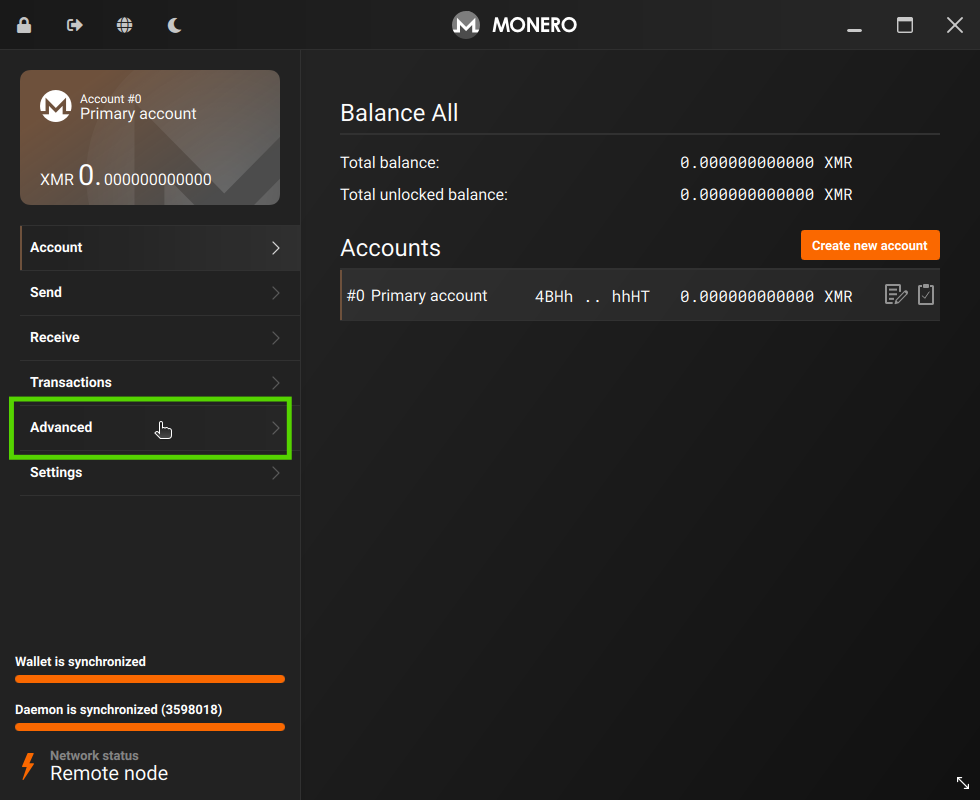
Then open your wallet with Monero GUI and go to Advanced.
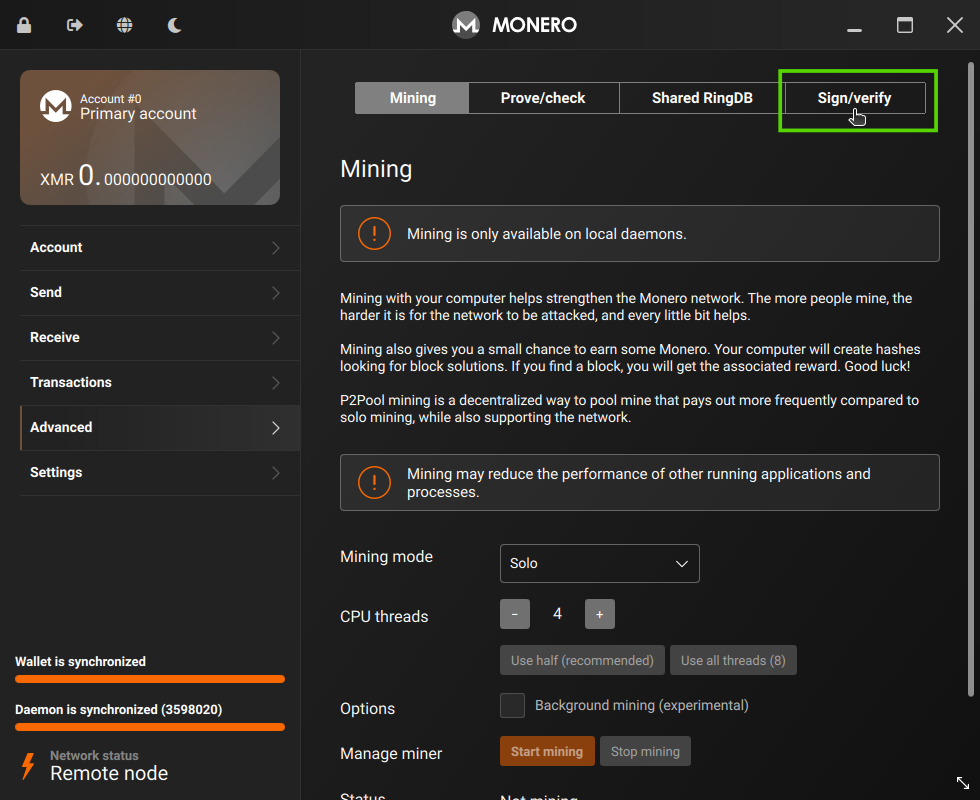
Select Sign/Verify.
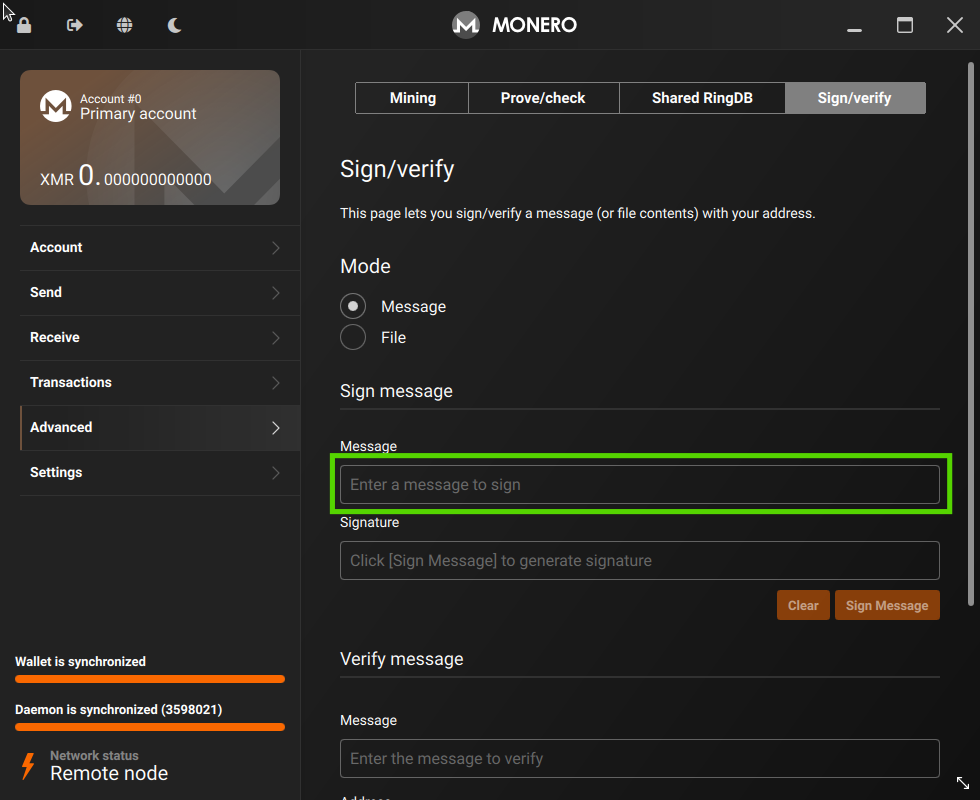
Paste your message or contract into the Message box.
Click Sign Message.
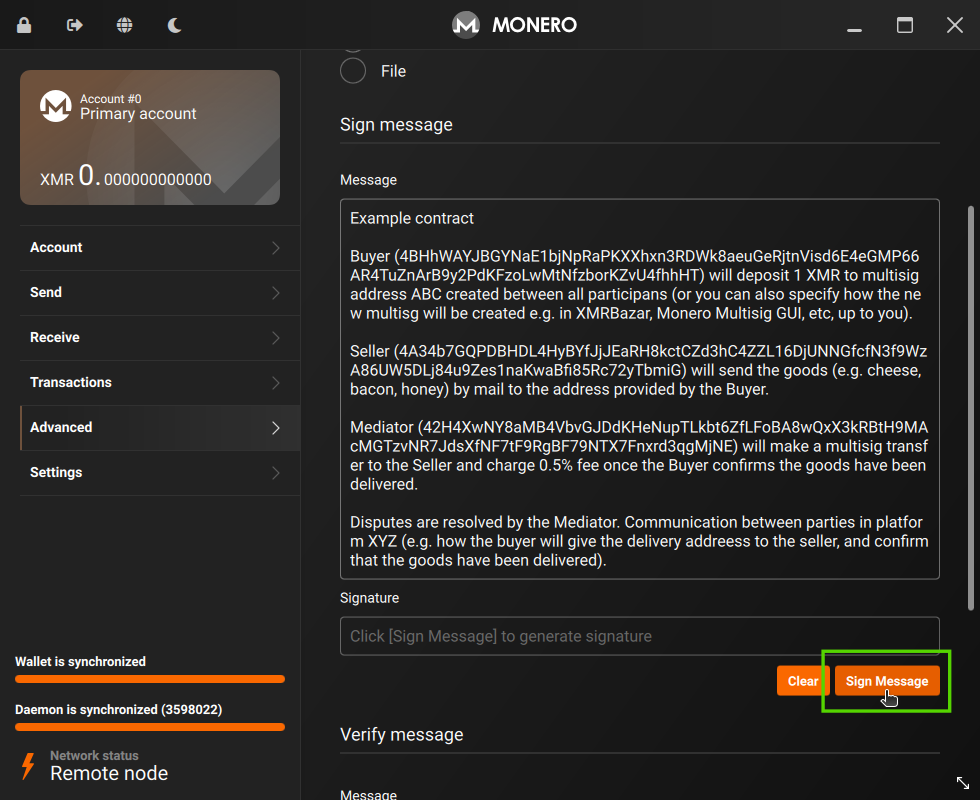
Copy the resulting Signature and add it to the contract.
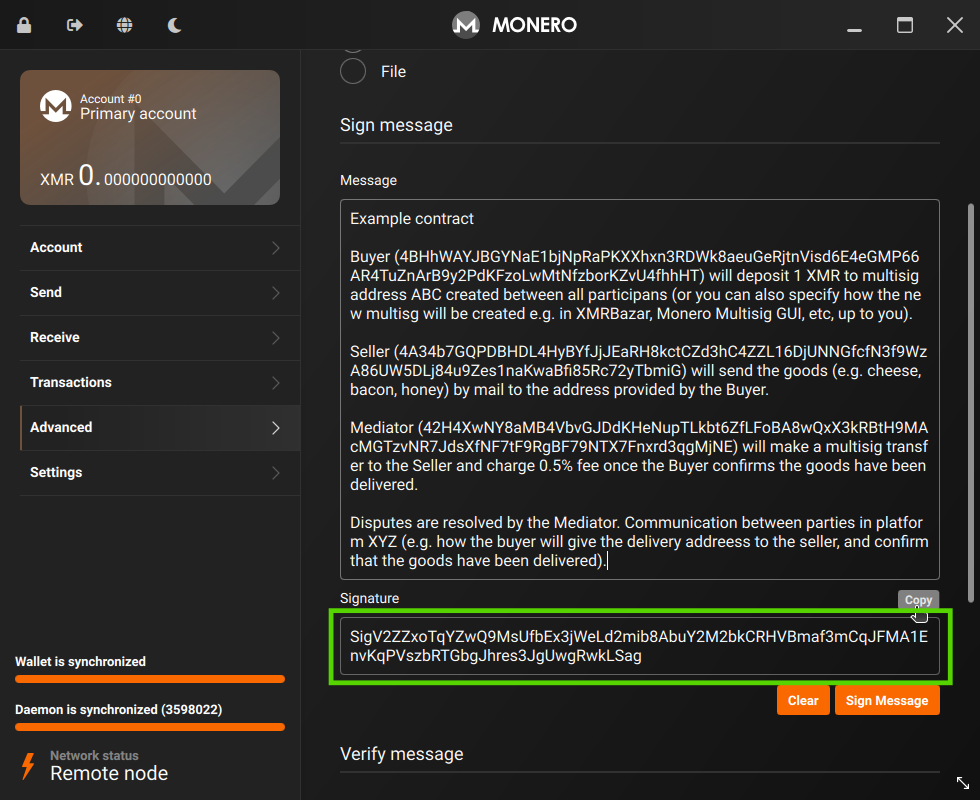
This is also how you can sign messages to request edits to your profile, leave ratings etc. Just replace the Message content for the message you need to sign to verify it's you.
Note: You can only create valid signatures in the Official Monero GUI if you use your Main Wallet address. Don't use Subaddresses, and do not use View Only Wallets (they don't have the private key needed) or Multisig Wallets (you would only have one of the necessary keys).